Building an AI Voice Assistant with 11 Labs: Notion Integration and Hands-Free Planning
Why I Built an AI Voice Assistant
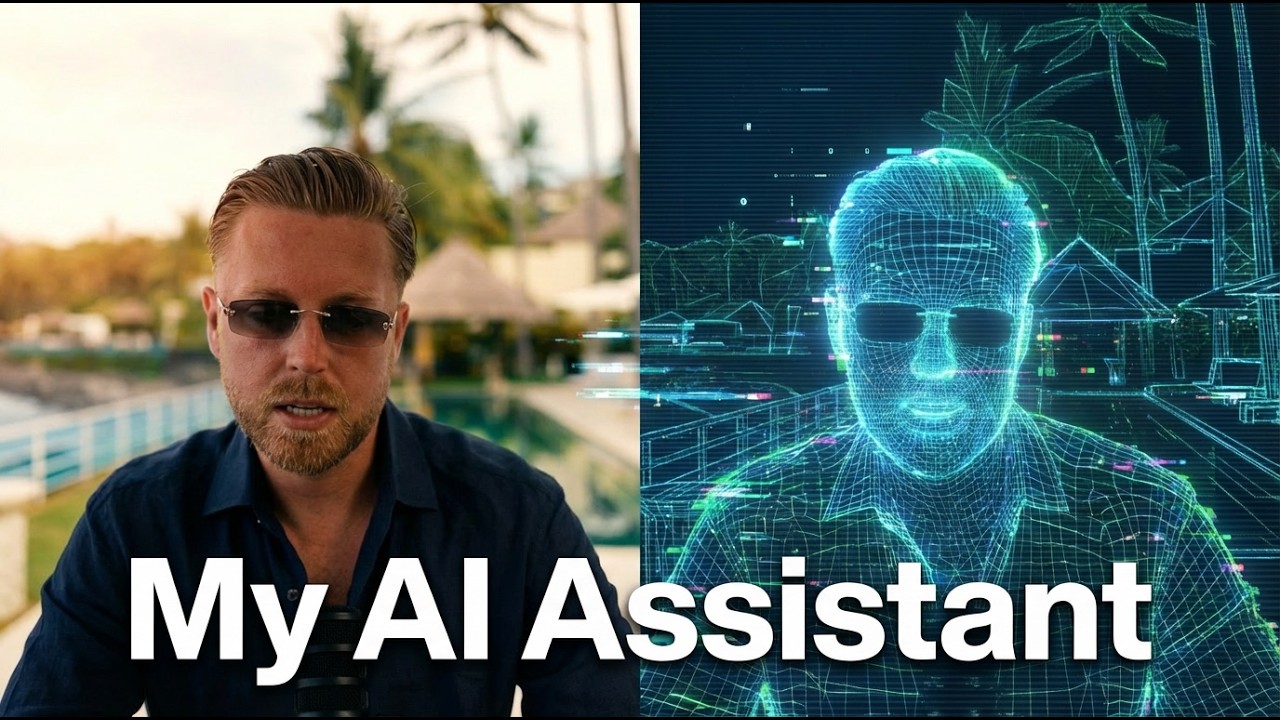
I built an AI voice assistant to tackle specific issues I encountered with GPT's voice mode when brainstorming and planning during my walking workflow. My routine often includes 40-minute to 1-hour calls, where I brainstorm ideas on various topics, like business strategies or personal goals.
Problems with Current AI Voice Modes
The main problems with GPT's voice mode stem from its reliance on GPT-4.0, which, despite being useful for personalization, loses context during extended calls. These long conversations don't save transcripts effectively, leading to lost information. Furthermore, integrating GPT with Notion for task and note management was challenging, as it frequently timed out.
The Solution: Building with 11 Labs
I created my AI voice assistant using 11 Labs' agents platform to overcome these issues. This setup allows the assistant to leverage GPT-5.1, ensuring up-to-date technology and improved context retention. The 11 Labs platform manages all audio transcription and synthesis tasks.
Enhanced Notion Integration
One major benefit of this AI voice assistant is its seamless Notion integration. It can create, update, and archive tasks and notes in real-time during conversations. This ensures that nothing is lost; the assistant continuously updates Notion as discussions proceed. This real-time processing is crucial for maintaining an organized workflow without needing to revisit past conversations manually.
Walking and Planning Workflow
I built this assistant to complement my walking and planning workflow. Whether I'm exploring new investment opportunities or fleshing out content ideas, the assistant facilitates productive brainstorming sessions. By integrating task and note management, it transforms spoken ideas into actionable plans.
In summary, my AI voice assistant addresses the limitations of existing systems and integrates seamlessly with my daily workflow, enhancing productivity and efficiency.
11 Labs Platform Overview
The 11 Labs platform is divided into two main sections: the simple 11.ai interface and the more advanced agents platform. The simple version is ideal for beginners or straightforward AI voice assistant interactions. It allows users to quickly set up a basic system with limited control. On the other hand, the agents platform offers extensive customization and greater control for those implementing complex solutions or integrating with additional tools.
Model Selection
While working on the agents platform, selecting the right AI model is critical. The choices range from GPT 5.1 Medium Reasoning, which balances high-quality responses with response time, to faster models such as Gemini 2.5 Flash or GPT Nano. Medium Reasoning is preferable for those requiring comprehensive and nuanced answers, whereas the faster models are suitable for quick interactions, albeit with less depth.
Temperature Settings
Temperature settings control the creativity of the AI's responses. A lower temperature results in more precise and succinct answers, which is crucial in maintaining the conversational flow and avoiding unnecessary interruptions. In my setup, I ensure the temperature is adjusted for clarity, keeping the AI voice assistant direct and to the point.
Real-Time Notion Integration
Integration with Notion enables dynamic, real-time updates during conversations. This means that as you interact with the AI, important details and decisions are captured immediately and organized within your Notion workspace. This supports both brainstorming and planning, ensuring that all relevant information is saved and accessible later.
Firecrawl for Web Searches and MCP Servers for Tools
To enhance the AI's capabilities, Firecrawl is integrated for performing web searches. This tool allows the AI assistant to pull in current and relevant information on demand, crucial for brainstorming sessions. Additionally, MCP servers facilitate the integration of external tools like Airtable, enhancing the system's functionality. These servers operate akin to APIs, enabling the AI to interact with various platforms for tasks such as analyzing Instagram account performance or summarizing GitHub projects.
In conclusion, the 11 Labs AI assistant platform—especially with integrated Notion and Firecrawl features—offers a robust solution for brainstorming and planning, empowering users with a responsive, dynamic AI planning tool.
Language Teacher (Russian Learning)
An AI voice assistant, particularly from a platform like 11 Labs, can revolutionize language teaching. For Russian learners, it can provide real-time conversation practice, correct pronunciation, and interactive language exercises. Integration with Notion can organize vocabulary lists and track progress. This personalized language tutor is always available, facilitating consistent practice, crucial for language acquisition.
Speech Improvement
Voice AI can be a critical tool for speech improvement by analyzing recorded speech to track and reduce filler words like "um" or "uh." This feedback helps users become more articulate speakers, improving both public speaking and everyday communication. Using an AI model, users can receive actionable insights and practice exercises tailored to their specific challenges.
YouTube Brainstorming
Leveraging AI for YouTube content creation can be a game-changer. By integrating a voice AI agent that understands your channel's context, creators can brainstorm new video ideas, optimize titles, and even generate video outlines. This ensures content remains aligned with the channel’s brand and audience interests, driving engagement and growth.
Coaching Apps
AI planning and brainstorming can enhance coaching apps in health, fitness, and lifestyle. For example, an AI onboarding assistant can personalize fitness routines or health plans based on user input. Consider a NoFap app using this technology, which reportedly grosses $500k/month. This model could be replicated in various niches, enhancing user engagement and success.
Proactive Calling via Twilio
By leveraging voice AI with Twilio, businesses can introduce proactive calling for accountability in coaching or therapy sessions. Imagine an AI that calls clients to maintain accountability, checking on progress in health goals or business milestones. This personal touch can significantly improve client outcomes and satisfaction.
Training on Books and Influencers
Users can train voice AI models on the teachings of influencers like Naval Ravikant or Warren Buffett. By uploading transcripts and materials, individuals can have virtual calls with these "advisors," gaining personalized advice. This is an innovative way to apply theoretical knowledge directly to personal and business scenarios.
Quick Build
I constructed an AI voice assistant that integrates with Notion, serving as a brainstorming agent and AI planning tool. Here’s how I tackled the technical stack and build process.
I opted for vibe coding, a work method that keeps development intuitive and flowing. Remarkably, the entire project took only three hours to execute. This was feasible due to my choice of using Claude Opus 4.5 as the primary development platform. The platform is well-suited for rapid prototyping and supports advanced functionalities required for a refined AI voice assistant.
The voice synthesis engine relies on the 11 Labs API. Instead of utilizing their UI, I directly called the API to maintain a streamlined process and achieve precise control over voice AI customization.
I designed the system to be flexible, enabling deployment as either a web app or a mobile app, depending on user requirements. This adaptability ensures the brainstorming agent can be accessed from multiple platforms.
For effective integration, the AI assistant connects seamlessly with several MCP server technologies, including GitHub for code management, Airtable for database functionalities, and HubSpot for customer relationship management. This setup enhances the AI voice assistant’s capacity to function as a comprehensive Notion integration tool.
🎥 Watch the full video: Watch on YouTube